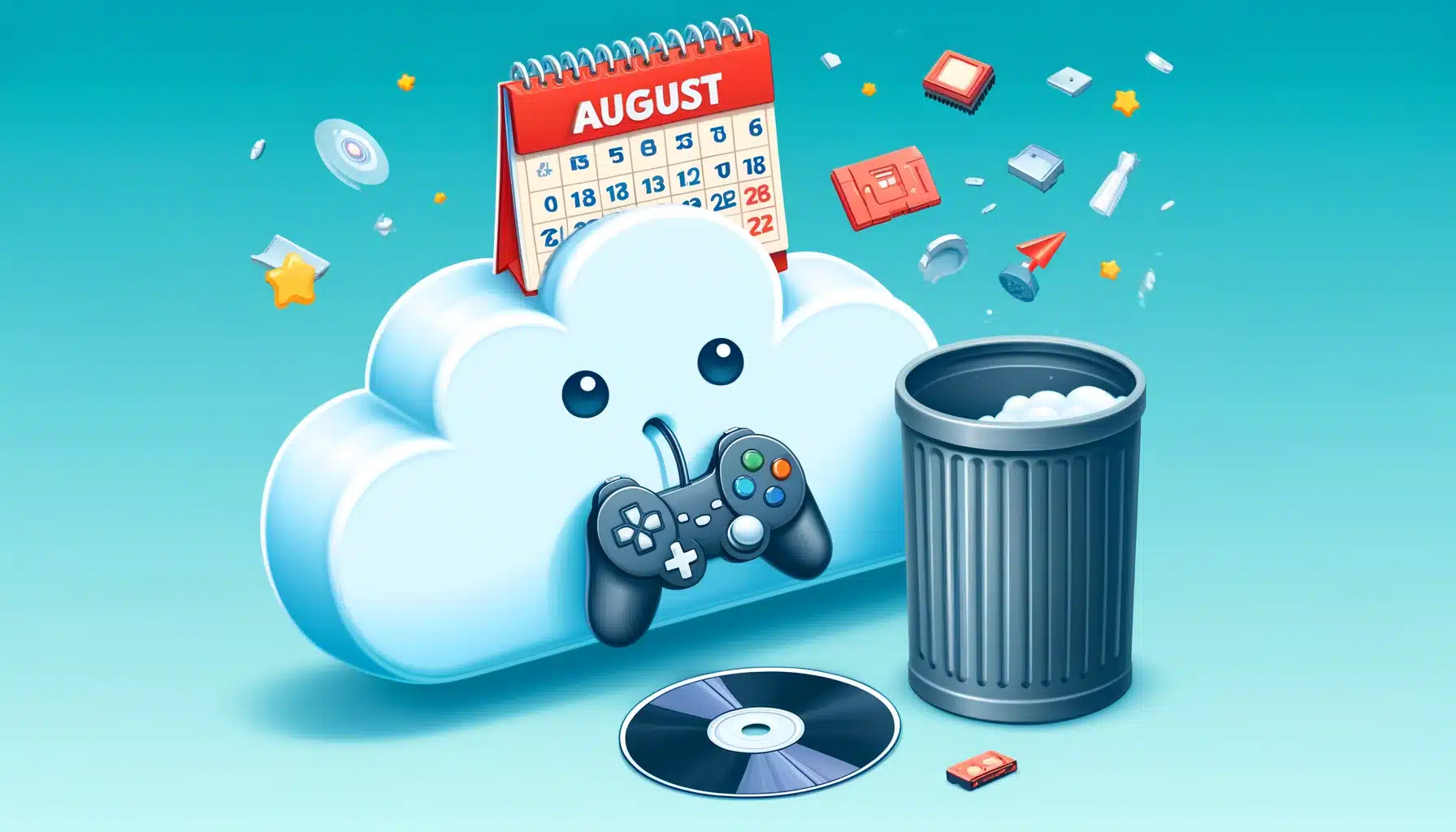
25 In a recent announcement, GOG.com has revealed plans to start deleting oversized cloud saves by the end of August. This move is part of their effort to effectively manage and optimize cloud storage resources. Here’s what you need to know about this change and how it might affect your gaming experience.
Why is GOG Making This Change?
GOG, known for its user-friendly approach and DRM-free games, has offered cloud save functionality through its GOG Galaxy client. However, as the number of users and the volume of data have grown, the platform faces challenges in maintaining efficient cloud storage. To address these issues, GOG will begin purging oversized save files that exceed their storage guidelines.What You Need to Do
To ensure you don’t lose any critical game progress, follow these steps:- Check Your Cloud Saves: Open GOG Galaxy and review your cloud saves for each game. Identify any that might be excessively large.
- Backup Locally: Back up your essential saves locally before the end of August. This ensures you have a copy of your progress in case it gets deleted from the cloud.
- Manage Save Files: Consider deleting unnecessary saves or reducing the size of your save files by managing in-game saves effectively. Some games allow you to manage and delete saves directly within the game, which can help keep your cloud storage usage in check.
How to Manage Cloud Saves on GOG
- Disable Cloud Sync: If you want to manage saves manually, you can temporarily turn off Cloud Sync. Go to the game’s settings in GOG Galaxy, select “Manage Installation,” then “Configure,” and turn off the cloud saves feature.
- Delete Unnecessary Saves: You can delete saves through the game interface or by navigating to the same directory on your computer. After deleting, re-enable cloud sync to update the changes in the cloud.
- Download Backups: GOG allows you to download backups of your saves anytime. Utilize this feature to keep your game progress safe and accessible.
GOG Galaxy Features and Updates
GOG Galaxy, GOG’s versatile gaming client, offers various features that enhance the gaming experience, including cloud saves, game library management, and in-game overlays. The client has seen continuous improvements, with updates introducing new functionalities like bandwidth limiting, screenshot capturing, and more user customization options. With the latest update, GOG Galaxy emphasizes user control and convenience, allowing gamers to tailor their experience and manage resources efficiently. This upcoming change in cloud save management is part of GOG’s broader efforts to provide a robust and user-centric gaming platform (GOG Support Center) (Rock Paper Shotgun) (VGC). For more detailed guidance on managing your GOG cloud saves, visit GOG Support. By staying proactive and managing your savings, you can ensure a seamless transition and continue to enjoy your games without interruption. CyberD3m0n
From Pixels to Purpose
Gaming isn't just what I do, it's who I am. Every challenge, every quest, every pixel has shaped my journey.
I’m CyberD3m0n, a passionate gamer and live streamer who thrives on challenges and connection. Join me for epic gameplay, insightful reviews, and a fun journey as we conquer new adventures together!
📺 Stream With Me:
YouTube | Twitch | Kick | Rumble
🌐 Socials:
BlueSky | Mastodon | Facebook
🎮 Main Hub:
cyberd3m0nstream
Subscribe my Newsletter for new game blog posts, reviews, gaming tips & new photos. Let's stay updated with gaming community!